1.1 Your Account and First Sign-In
Accounts are created for you by Delta Astra — there is no public sign-up. You will receive an invitation by email with a link.
To Sign In for the First Time
- Open the invitation link in the email. It shows the organisation you are being added to and the access level you have been given.
- Choose Accept. If the link has expired or you were not expecting it, choose Decline and contact your Delta Astra representative.
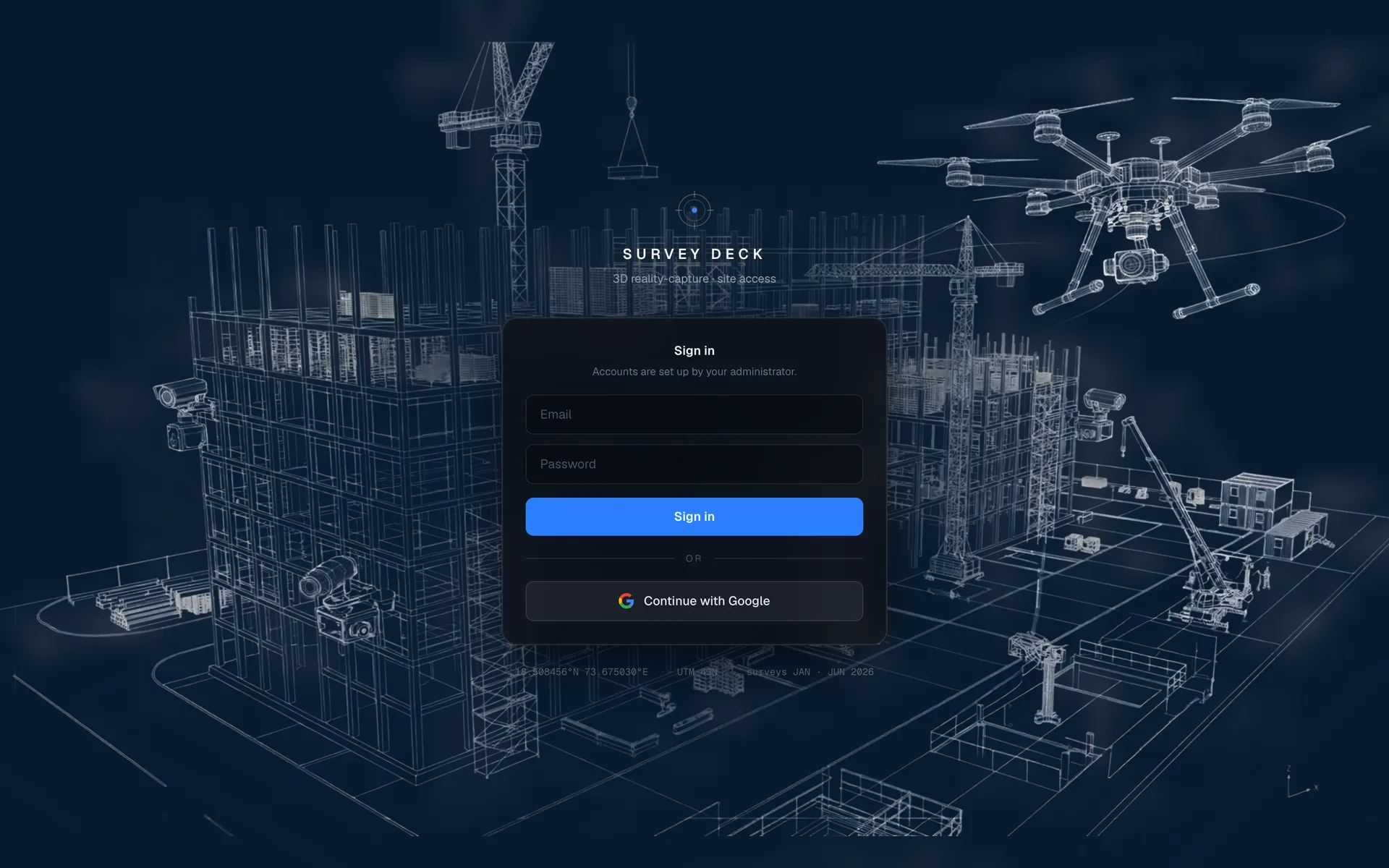
- You are taken to the sign-in page. Sign in with your email address and password, or select Continue with Google if your email is a Google account.
- After that, go straight to
app.deltaastra.comwhenever you want to sign in.
🔒 Portal Sign-In Screen — app.deltaastra.com
💡 Good to know
Sign in with the same email address the invitation was sent to. A different address will not have access, even inside the same company.